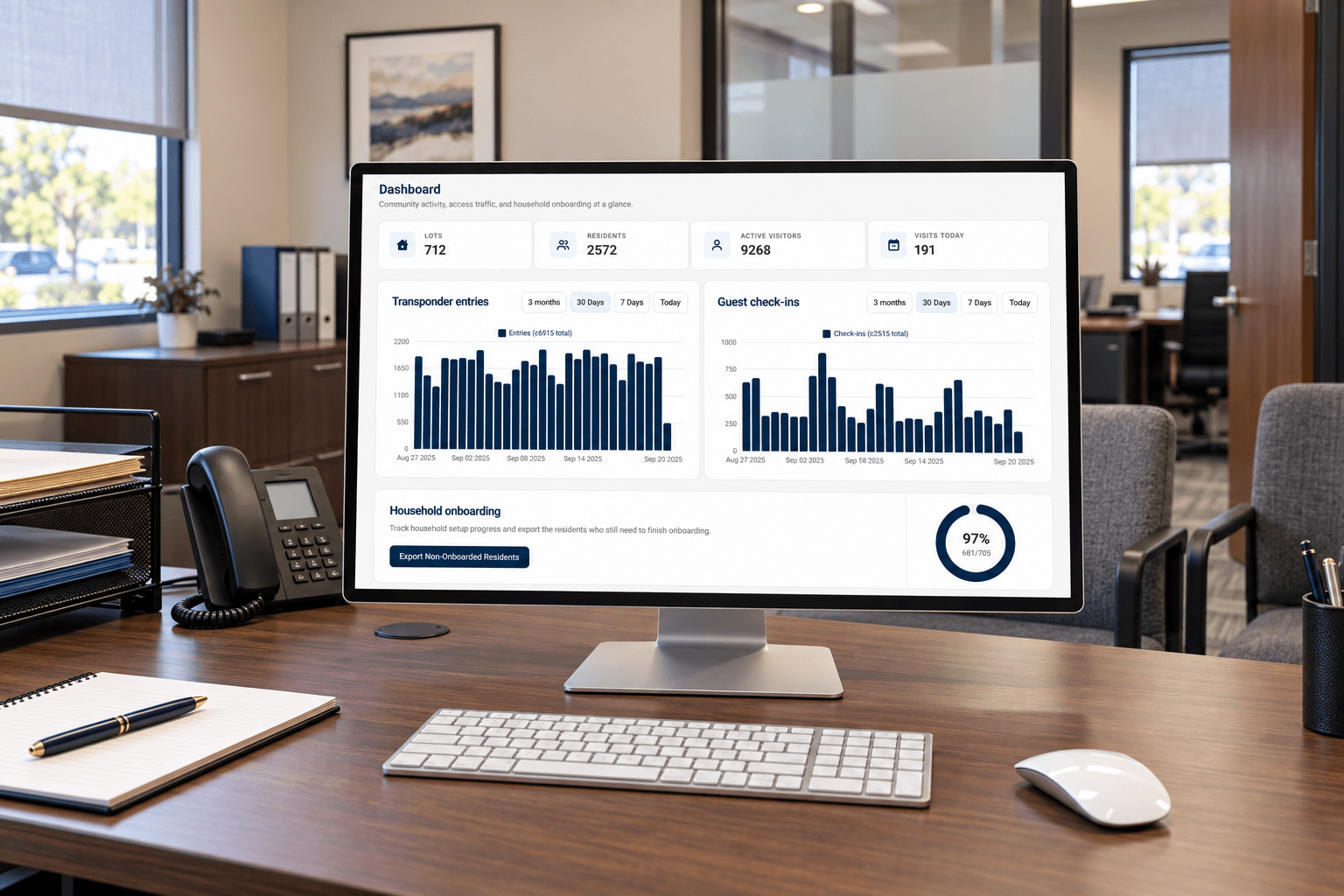
For communities that expect more

Luxury isn’t a product,
it’s a service.

Visitor management and access control, thoughtfully designed for your community.

250KResidents servedLiving with GoAccess
10M+Visitors processed annuallyEvery welcome matters
25M+Annual access eventsVehicles & credentials
OneConnected platformBuilt around your community

Proud to serve exceptional communities nationwide

Monarch BayISLEWORTHNorth Beverly ParkThree Arch BayFIDDLESTICKSCOUNTRY CLUBCanyon Lake
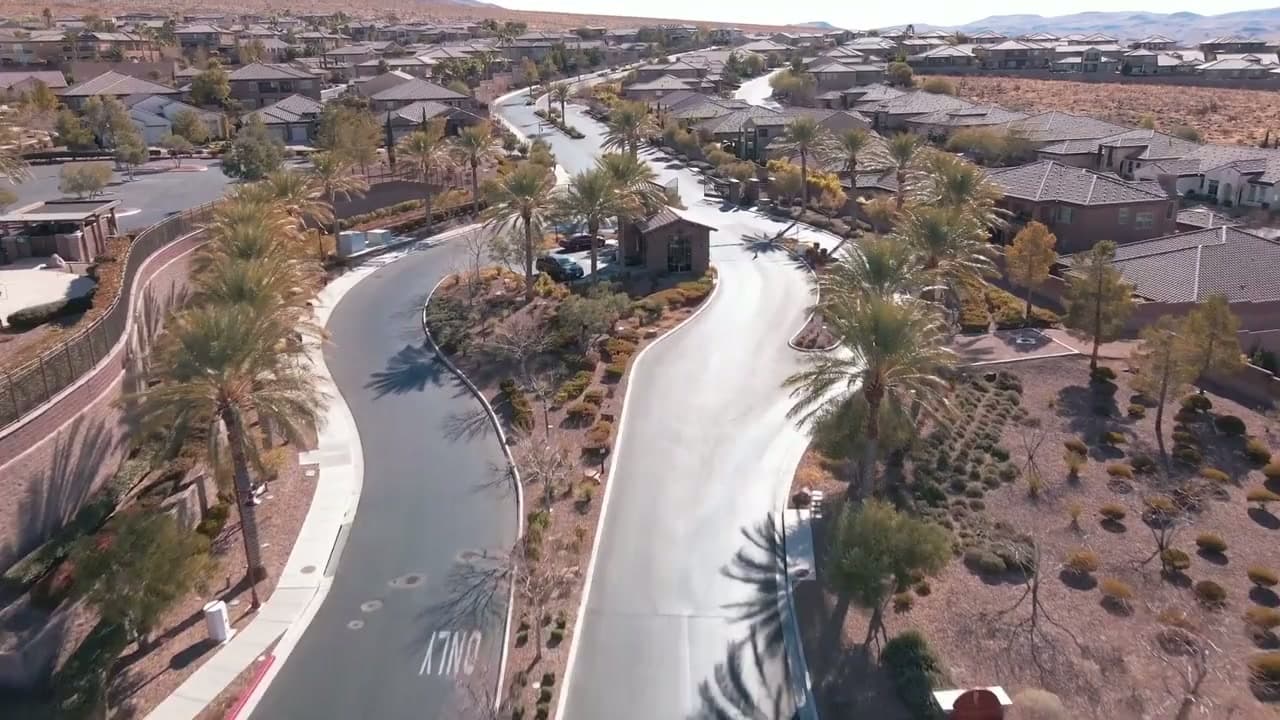
Aerial view of a gated residential entrance and the neighborhood beyond

The GoAccess experience

A remarkable community.
A welcome to match.

Your community is defined by the care behind every detail. Arriving should feel just as considered.

GoAccess brings visitor management and access control together for HOAs and gated communities. Residents, guests, security teams, and management stay connected—from the first invitation to the moment the gate opens.

Discover our approach

Thoughtfully connected

One platform.
Every part of your community.

Visitor management software designed around residents, gatehouse teams, and community managers.

The resident experience

A warm welcome.
Already arranged.

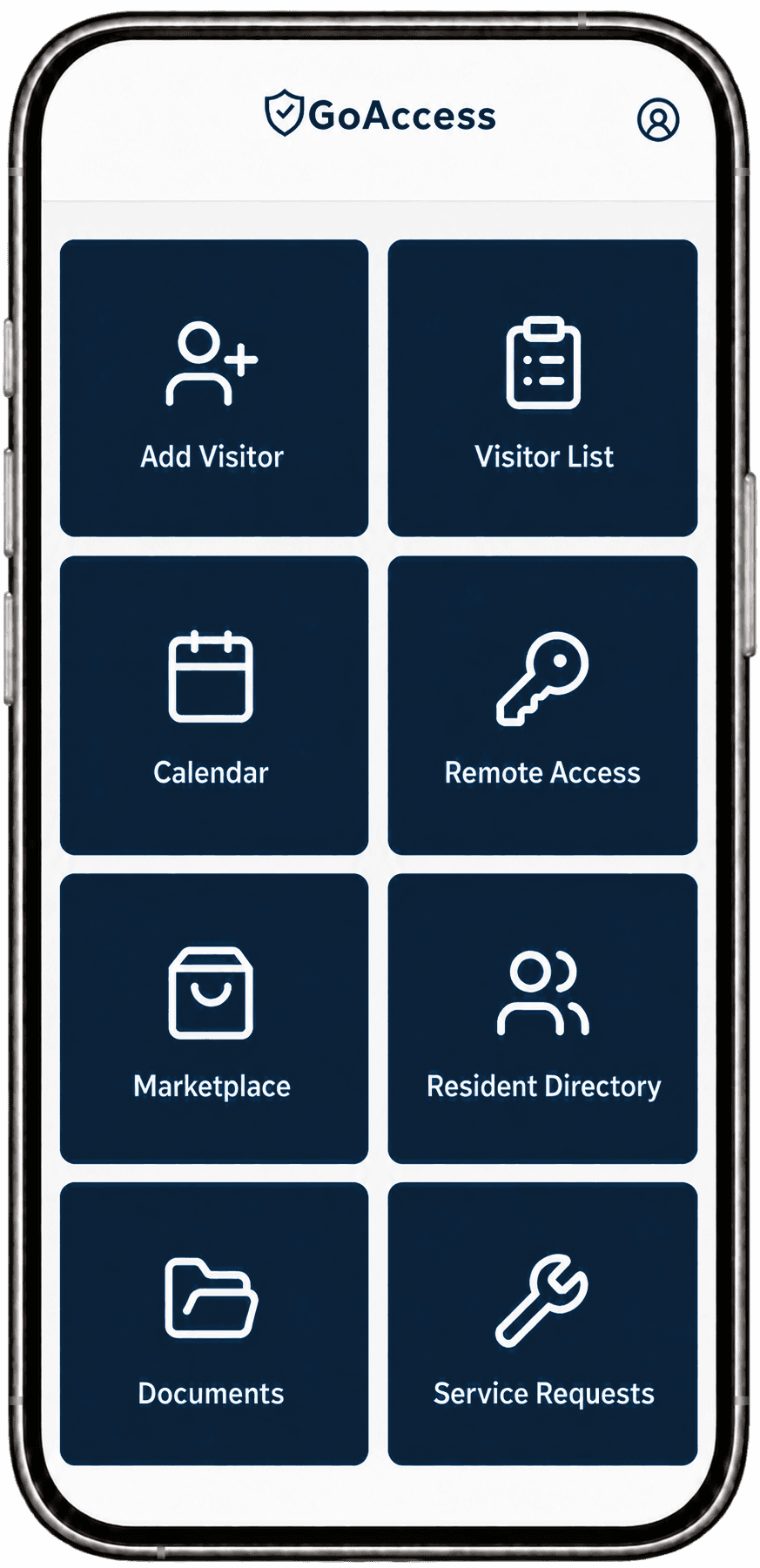
Add a guest, share a pass, and get on with your day. A simple app puts visitor access in your residents’ hands.

  • Invite guests and vendors in a few taps
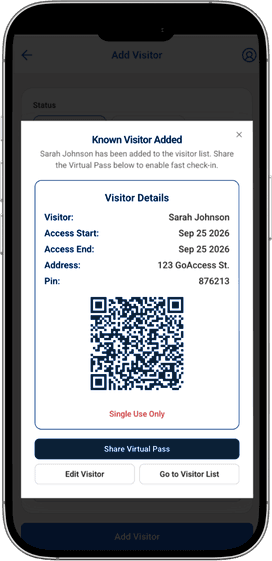
  • Share single-use digital visitor passes
  • Available on web, iOS, and Android
  • Direct support from our U.S.-based team
Explore the resident experience
GoAccess resident app with visitor invitations, calendar, remote access, documents, and service requestsGoAccess visitor details with a single-use QR pass and sharing controls
Integrated with Apple Wallet and Google Wallet.

The GoAccess suite

More ways to care
for your community.

Purpose-built products for the people, visits, and everyday details
that make your community work.

License plate recognition & visitor management

GoAccess

Recognize vehicles. Connect every arrival.

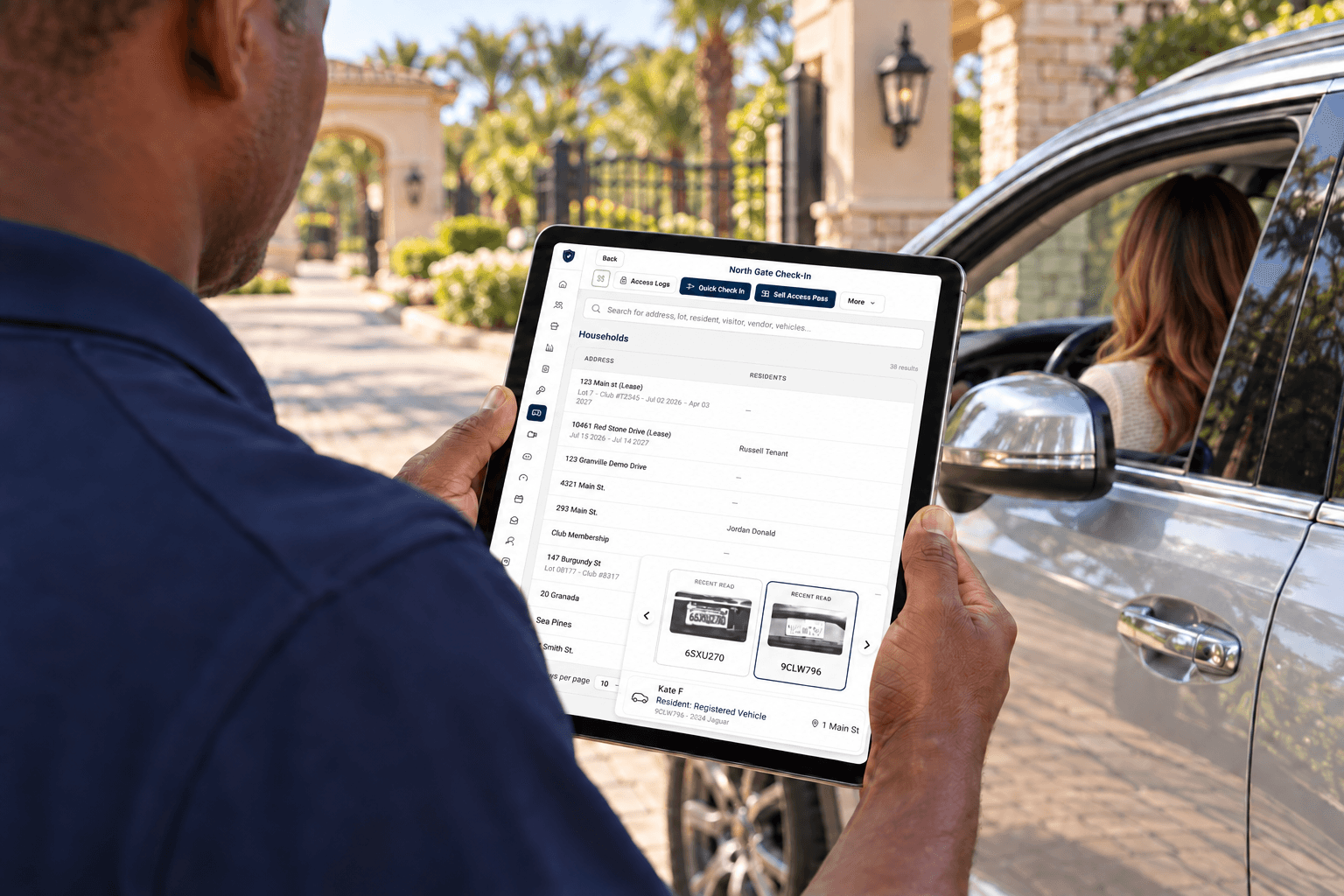
License plate recognition opens the gate for authorized vehicles. Review entry and exit activity, access history, and banned-visitor checks. Extend access to clubhouses, pools, and pedestrian gates with mobile credentials, fobs, and RFID. Bring it together with resident invitations, digital passes, staff permissions, and reporting—all backed by community-owned data, guided onboarding, and direct U.S.-based resident support.

Learn more

Illustrative private community entrance with a vehicle approaching a gate and a license plate recognition camera

Patrol activity & reporting

GoPatrol

Dispatch calls. Walk your routes. Report every shift.

Give your patrol team one place to take calls, check in at every checkpoint, and file clear reports. Supervisors see the whole team on a live map, and every shift leaves a complete record behind it.

Learn more
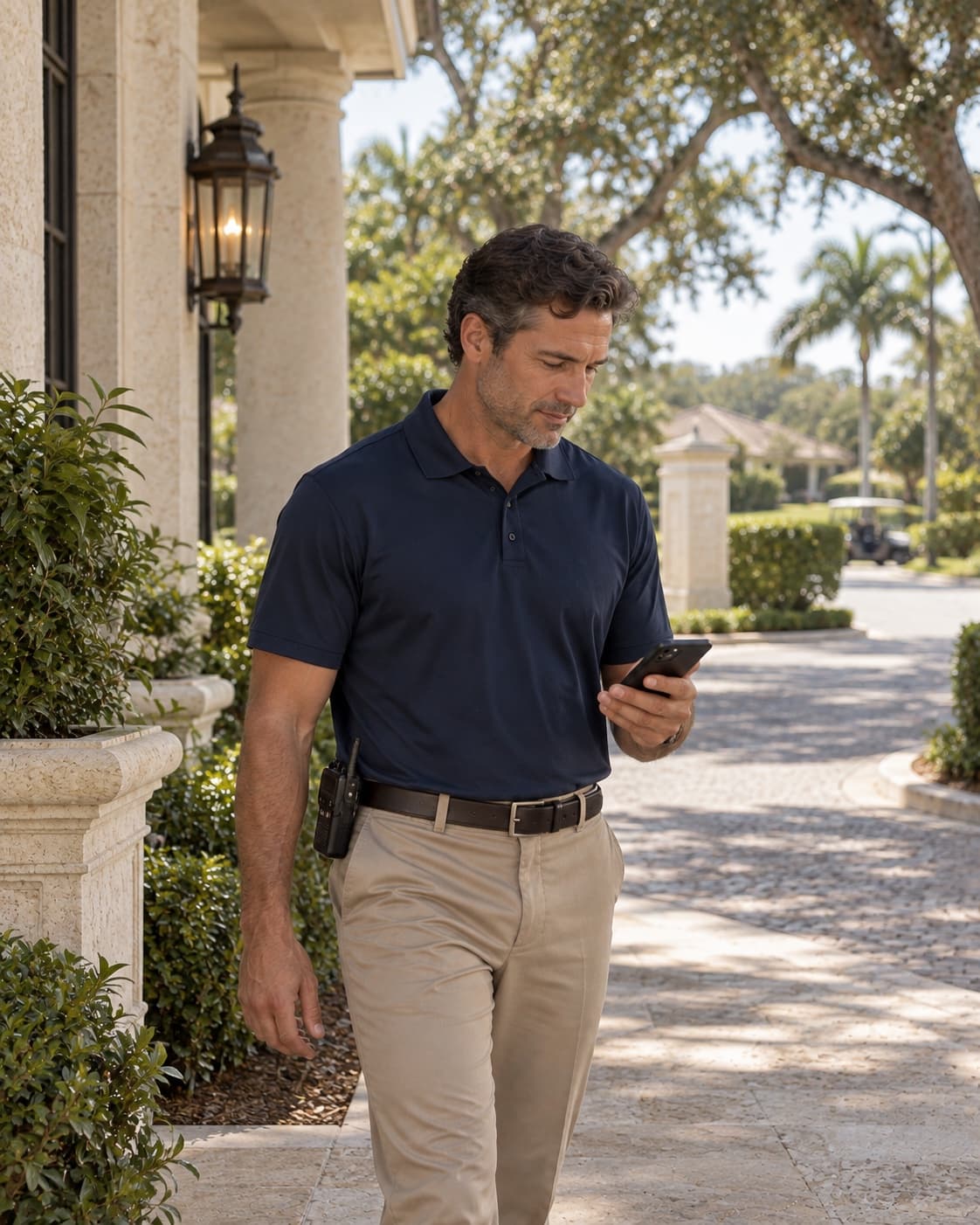
Illustrative community patrol staff member checking a phone beside a shaded limestone walkway

Vendor access management

GoVendor

Manage vendor visits around your community’s rules.

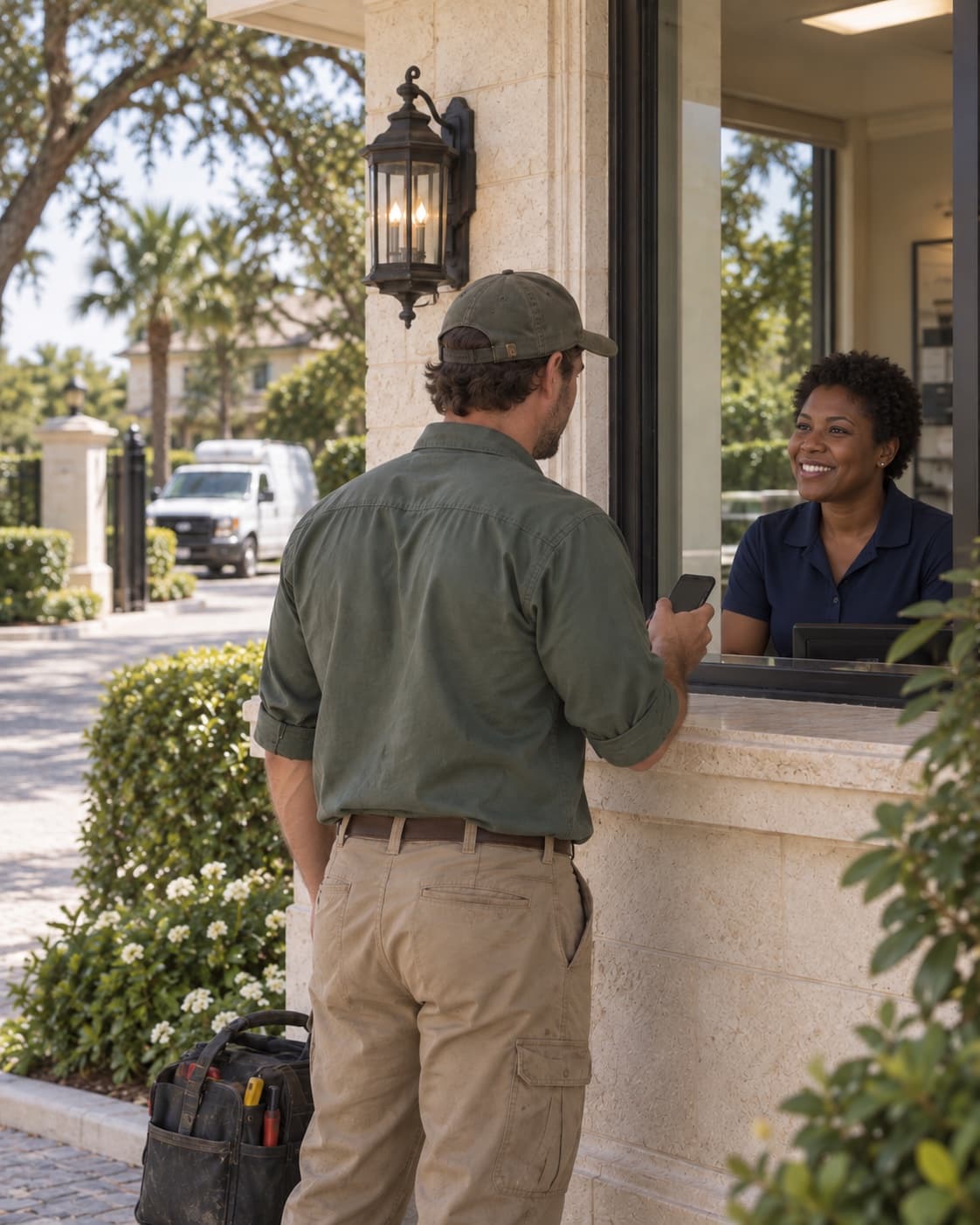
From regular service providers to scheduled visits, vendor access should reflect the way your community operates. GoVendor supports workflows shaped around your roles and policies, keeping vendor visits connected to the broader visitor-management picture.

Learn more
Illustrative maintenance vendor with a phone and tool bag checking in at a community gatehouse

Community speed enforcement

GoEnforce

Calmer streets, enforced fairly.

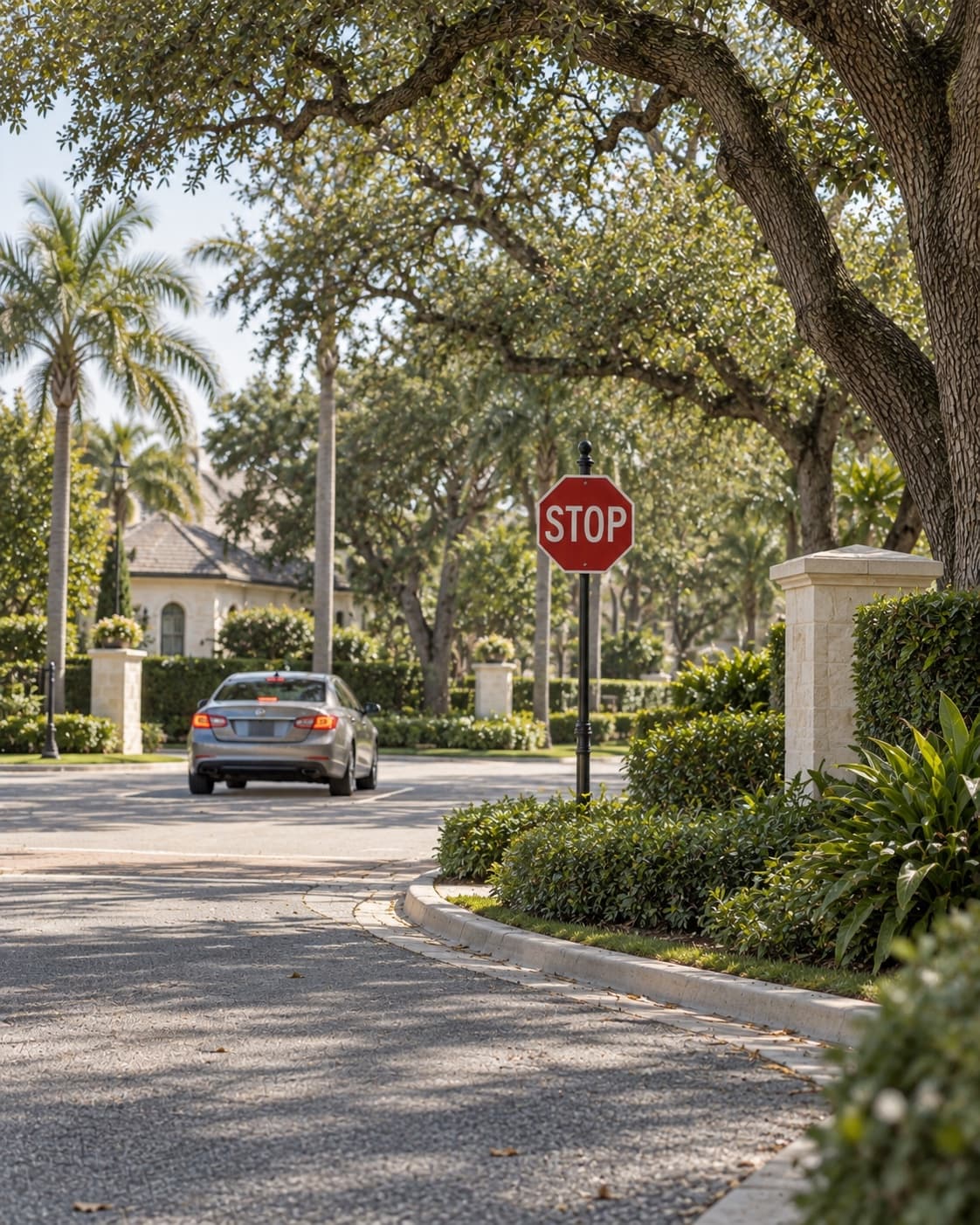
Speed cameras capture the event, your team reviews it, and residents get a clear citation by email and text with an easy way to pay online, all on the rules your community sets.

Learn more
Illustrative residential intersection with a stop sign and a sedan beneath mature oak trees

Rental management & guest access

GoRental

Welcome every tenant. End access on time.

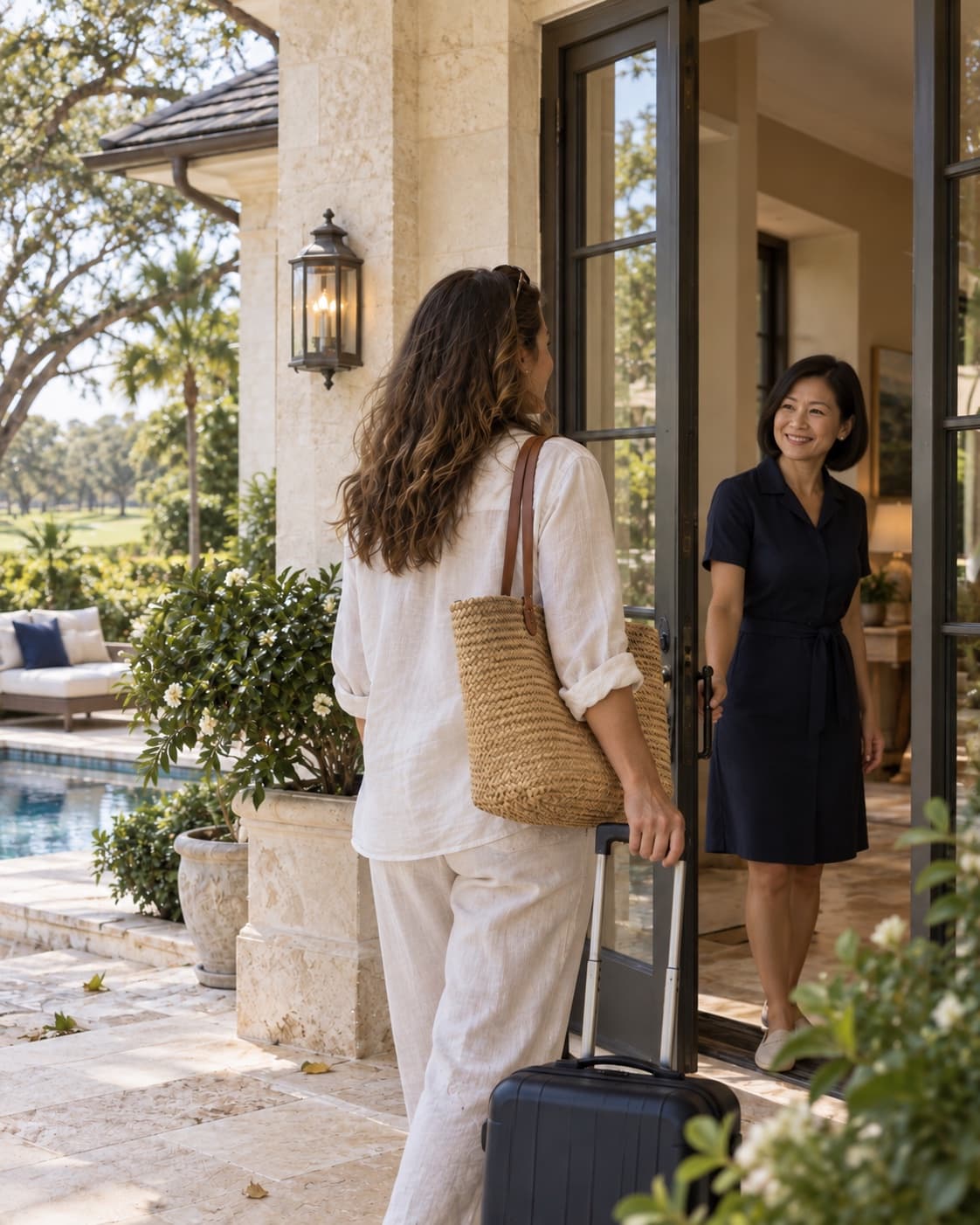
Keep every lease on the household record and give tenants their own pass for Apple Wallet or Google Wallet. When the lease ends, their access ends with it, automatically.

Learn more
Illustrative guest arriving with a suitcase at a limestone rental villa beside a small pool

Product availability and scope are confirmed for each community configuration.

License Plate Recognition

Recognize the vehicle.
Connect the visit.

From the gate to the full picture of who’s on property, turn license plates into useful access information.

GoAccess connects license plate recognition (LPR) with visitor tracking, gate access control, and on-premise reports, giving your team a clearer view of community activity.

Explore license plate recognition
A roadside license plate recognition camera captures the rear plate of a vehicle driving through a community gate
01

Visitor tracking

Connect vehicle arrivals and departures to visitor records. Review a vehicle’s visit history and give security more context at check-in.

02

Open the gate

Use a recognized license plate to open the gate for an authorized vehicle, based on your community’s access rules.

03

On-premise reports

See which vehicles are on property and review arrival and departure activity with on-premise reports.

Amenity access

Your community.
Within easy reach.

From a morning workout to an afternoon at the clubhouse, make the spaces residents love easier to access.

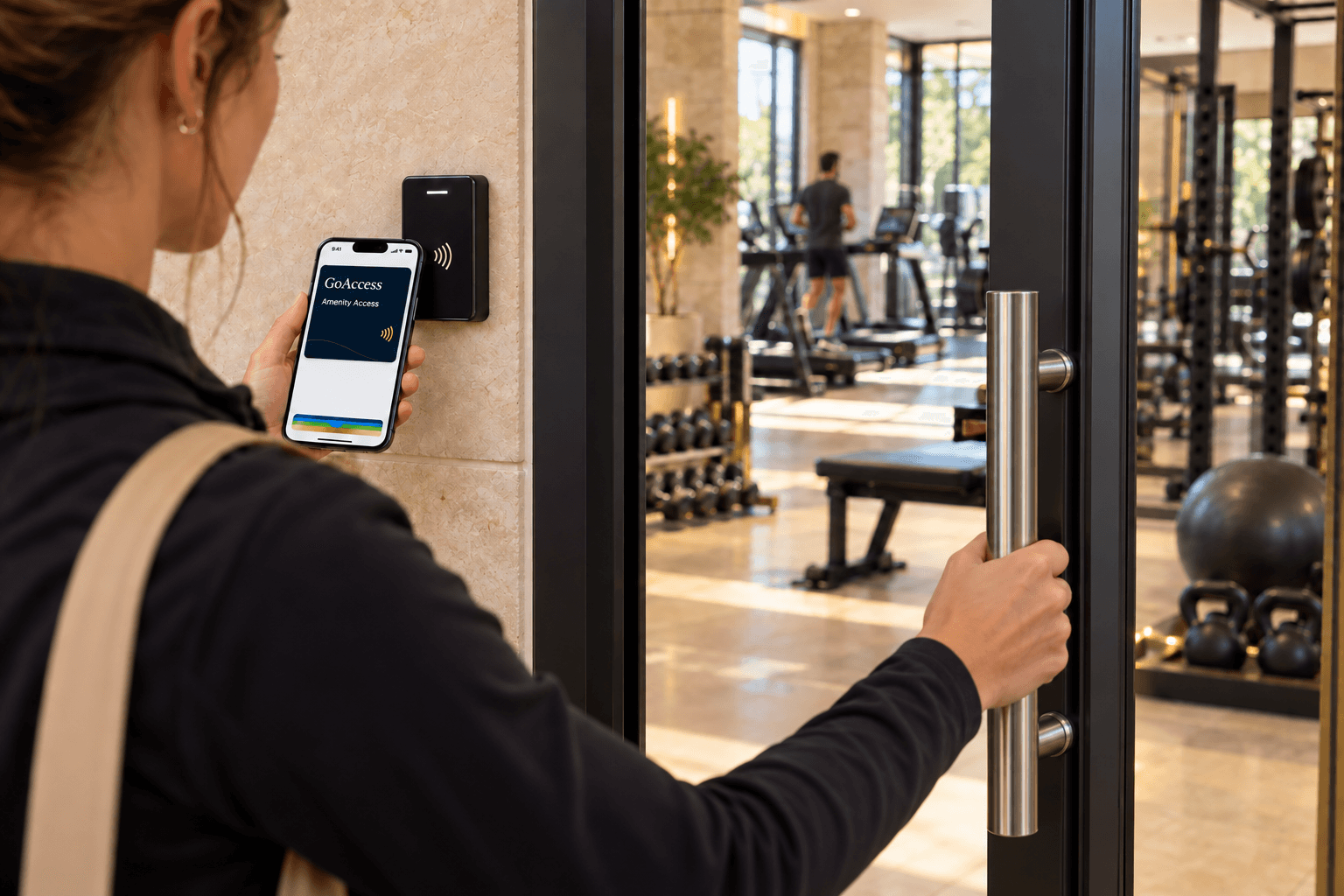
With mobile credentials and a GoAccess pass in Apple Wallet and Google Wallet, residents get into the fitness center, pool, and clubhouse with the phone they already carry.

Explore amenity access
A resident holds a navy GoAccess pass in Apple Wallet near a door reader while opening a community fitness-center door

Distinct communities. Shared expectations.

At home in
exceptional places.

Every community has its own character. GoAccess adapts to the way yours welcomes residents and guests.

Private & golf communities

Welcome residents, their guests, and service providers with visitor passes, coordinated gatehouse operations, and a consistent arrival experience.

Gated residential communities

Connect households, visitor lists, access credentials, and security teams across your community in one easy-to-manage platform.

Waterfront communities

Keep visitor access organized, from a weekend guest to a regular service provider, while preserving the experience that makes your community special.

Active adult communities

Simple navigation, personal onboarding, and direct resident support help residents feel comfortable from the beginning.

An elegant golf community with a lakeside green, cream-stone clubhouse, and landscaped residences in daylight

Transition & onboarding

A typical eight-week implementation

  1. Weeks 1–2

    Understand & plan

    Review your systems, access points, hardware, roles, and resident and visitor workflows. Confirm the implementation scope, migration needs, and rollout priorities.

  2. Weeks 2–4

    Configure & migrate

    Configure GoAccess around your community’s operating model and begin applicable data migration, coordinating exports from your existing visitor-management system where needed.

  3. Weeks 4–6

    Training & resident preparation

    Train administrators, management, security, and other property stakeholders. Work with your team on resident onboarding and launch communications.

  4. Weeks 5–7

    Installation & validation

    Coordinate applicable hardware installation and access-control connections with integration partners. Validate gates, lanes, and property-specific requirements, then review the configured environment with your team.

  5. Week 8

    Launch

    Coordinate final launch activities and move into the live environment. When replacing an existing platform, agree on transition timing to minimize operational disruption.

  6. Post-launch

    Customer success & support

    Stay engaged with management and security teams to support operational questions, platform adoption, and ongoing optimization.

A few things to know

Every detail
considered.

Can we keep our existing equipment?

GoAccess supports existing equipment for printing and scanning passes, along with RFID, barcode, fob, and card credentials. We review your community’s setup with you to confirm compatibility and identify any installation needs.

What happens when residents need help?

Residents can contact our U.S.-based support team directly. We also provide onboarding materials and guidance, so your management team can stay focused on the community.

How do we switch from our current provider?

We guide the data export and migration, configure GoAccess for your community, coordinate installation where needed, and train management, security, and residents. Your implementation plan is based on your community’s needs.

Can we see GoAccess for our community?

Yes.Request a demonstrationand tell us about your gates, your team, and how you manage visitors today.